
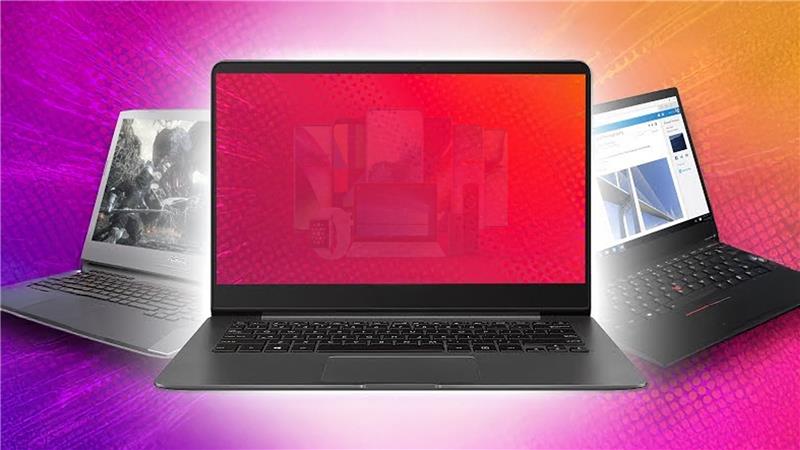
What You Need to Know Before Selling Your Laptop – Do’s and Don’ts


When it’s time to upgrade your tech or make some extra cash, selling your laptop might seem like a quick and easy decision. But before you jump in, there’s a lot more to it than just finding a buyer. Your laptop holds all your personal data, memories, and digital life. Failing to prepare it properly before selling can expose your private information or lower its resale value. From securely wiping your files to verifying their true market value, every step counts if you want a smooth and safe experience.
Whether you plan to sell a laptop for cash or trade it in for an upgrade, knowing the right dos and don’ts helps you avoid mistakes that many sellers later regret. In this guide, we’ll walk you through the essential steps to prepare your device, highlight what to avoid, and show you the best and safest way to sell your old laptop online so that you can get the best deal without any stress.
Do’s Before Selling Your Laptop
Back Up Your Data
Before selling, your laptop holds personal memories, photos, documents, and important files. Back up everything you might need later. You can use cloud storage services like Google Drive or OneDrive or an external hard drive to save your data securely. It’s a small step that saves you from big regrets later.
Factory Reset
Once your data is backed up, perform a factory reset. This clears all personal information and restores your laptop to its original settings. It’s one of the most important things you can do before handing it over to someone else. Not only does it protect your privacy, but it also gives the buyer a fresh, like-new experience.
Clean Your Device
A clean laptop leaves a lasting impression. Gently wipe the keyboard, screen, and outer body to remove fingerprints and dust. If you’ve used a skin or sticker, remove it carefully. Imagine it like selling your car, so the presentation matters the most! The cleaner it looks, the better price you’ll attract.
Gather Accessories
Don’t forget the charger, box, or any original accessories that came with your laptop. Including them increases the value and trust factor for the buyer. Even if you’ve misplaced the box, ensure that you pack everything properly for delivery.
Check Market Value
Before selling your old laptop, take a few minutes to check the market price. Research similar models online, compare offers, and set realistic expectations. This way, you’ll know whether you’re getting a fair deal or not.
Don’ts Before Selling Your Laptop
Don’t Leave Personal Data
Always Erase Your Data. Even deleted files can sometimes be recovered, so ensure you’ve performed a complete factory reset.
Don’t Sell Without Logging Out of Accounts
Log out of all accounts, such as Google, iCloud, or Microsoft, before selling. Otherwise, the next user might access your personal emails or apps.
Don’t Hide Issues
Be honest about your laptop’s condition. Mention if there’s a battery issue, screen scratch, or missing key. Buyers appreciate transparency, and it helps you avoid complaints later.
Don’t Sell to Random Buyers
Avoid selling on social media or to unknown buyers, as scams are common in these settings. Always choose verified platforms that offer safe transactions and fair pricing.
Where to Sell Your Old Laptop
Today, selling your laptop online is easier than ever. But not every platform guarantees safety or the right price. That’s where Renewd makes a difference. Instead of dealing with unreliable marketplaces, Renewd offers a transparent and hassle-free trade-in process. You visit our website, enter your laptop’s details, receive an instant quote, and schedule a free pickup. No hidden charges, no risky meetups- just a smooth and secure selling experience.
Whether you want to sell a laptop for cash or trade it in for an upgrade, Renewd ensures you receive a fair and instant offer. Our system checks your device’s condition and gives you a competitive price within minutes.
Why Choose Renewd for Selling Your Laptop
Renewd isn’t just another resale website. It’s a trusted trade-in platform that believes in sustainability and customer satisfaction. Here’s why it stands out:
- Instant Online Quote: Get a quick estimate based on your laptop’s model and condition- no long forms or waiting.
- Free Pickup & Secure Evaluation: Renewd offers doorstep pickup and expert device inspection, so you don’t need to step out.
- Trusted and Transparent: The entire process is simple, trackable, and designed to give you peace of mind.
If you’ve been wondering, “Where should I sell my laptop safely?”- Renewd is the answer. Visit Renewd and get started in minutes.
Before selling your laptop, taking the right steps ensures your data stays private, your device fetches a better price, and your selling experience is smooth. Back up, clean up, reset, and be honest about your device’s condition. Avoid random buyers and choose a trusted platform like Renewd to make the process seamless.
Selling responsibly not only benefits you but also supports a sustainable tech cycle. So, go ahead- give your laptop a new life and earn what it’s truly worth.
FAQs
Yes, Renewd makes it easy to sell your old laptop online. You’ll get an instant quote and free pickup service.
Yes, Renewd accepts laptops even with minor issues. The final price may vary depending on the item’s condition.
Including the charger and box helps you get a better value, but it’s not mandatory.
Make sure your laptop is in good working condition, the screen is undamaged, and all functions are working properly. Provide an honest, accurate description of its condition when submitting details.
Even very old laptops can still hold value. Their components, performance, and usability are assessed, so you can find the best option for handling them effectively
Share via: